

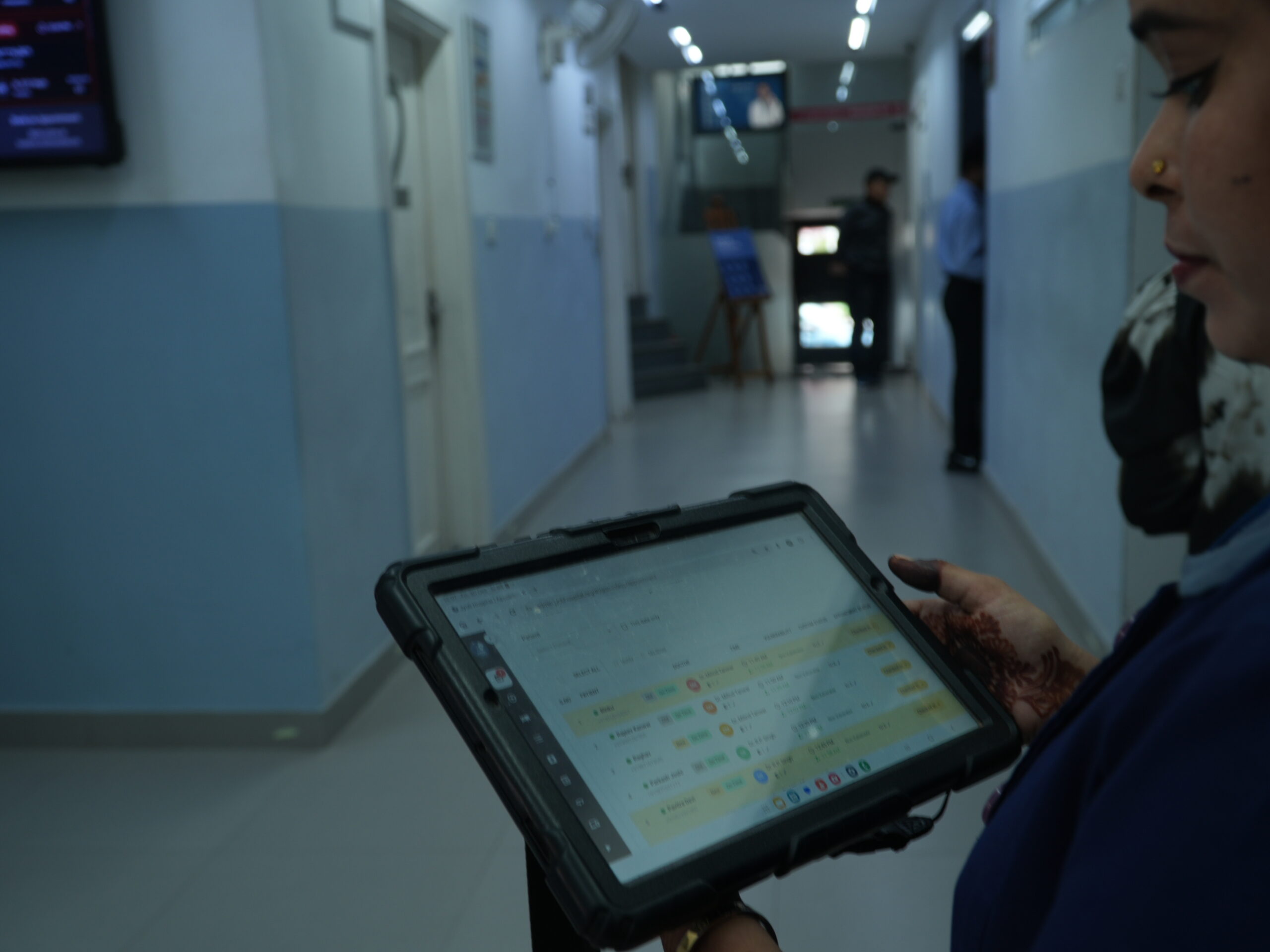
Introduction: Every Staff Member Has a Different Role in Healthcare
A hospital depends on people with different responsibilities working together. Doctors manage consultations and clinical documentation. Nurses support patient care and record relevant observations. Receptionists coordinate appointments and patient registration, while administrators oversee operational and organizational activities.
Although these teams work toward the same goal, they do not all need access to the same information or software functions.
A receptionist needs tools to manage appointments and patient arrivals. A doctor needs access to the clinical information required for consultations. A nurse needs the appropriate functions for nursing documentation and patient care. An administrator needs access to the operational functions within their authority.
Giving everyone the same access can make a system harder to manage and may expose information that some users do not need for their work.
Inteliya supports role-based user profiles designed around the different responsibilities of a healthcare team. By organizing users according to their roles and assigning appropriate access levels, hospitals can create a more structured working environment while supporting the confidentiality of patient information.
1. What Are Role-Based User Profiles?
Role-based user profiles organize software access according to the responsibilities assigned to each user.
Instead of treating every employee as having identical requirements, the system distinguishes between different types of users and the functions they need to perform.
In a hospital, these roles may include doctors, nurses, receptionists and administrators, alongside other staff members involved in patient care and hospital operations.
Each profile is intended to support the work associated with that role. The doctor works with clinical functions, reception staff manage front-desk activities, nurses use relevant care-documentation workflows, and administrators manage the operational functions available to them.
This approach helps align the software environment with the way the hospital actually operates.
Why does this matter?
When staff can access the functions relevant to their responsibilities, they can work in a more organized environment without being presented with unnecessary functions.
At the same time, role-based permissions help the hospital establish clearer boundaries around who can access particular information or perform specific actions.
The goal is to make the software useful for each team member while maintaining appropriate control over access.
2. Different Profiles for Different Hospital Roles
Doctor profiles: Supporting clinical work
Doctors need access to the clinical information and documentation tools required to manage consultations and patient care.
Within Inteliya’s broader clinical environment, these workflows include reviewing patient records, accessing available medical history, preparing prescriptions and documenting consultations through the EMR.
A role-oriented profile helps organize the functions relevant to a doctor’s responsibilities.
The benefit: Doctors can work within a clinical environment suited to their day-to-day activities instead of navigating a system designed around administrative tasks alone.
Nurse profiles: Supporting patient care and documentation
Nurses contribute to patient care through observation, documentation, medication-related workflows and ongoing inpatient support.
Their software requirements differ from those of doctors and receptionists. They need access to the functions appropriate to their assigned duties and the information necessary to carry them out.
Inteliya supports nursing and inpatient workflows within its wider hospital platform.
The benefit: A role-based approach helps align the digital workspace with nursing responsibilities while maintaining appropriate access boundaries.
Receptionist profiles: Managing patient flow
Receptionists are often the first members of the hospital team that patients interact with. Their work includes appointment scheduling, patient registration, check-in and coordination of daily patient flow.
Inteliya provides appointment and patient-management workflows that support these activities.
A receptionist’s profile should be organized around the functions needed for front-desk work, rather than presenting every clinical or administrative function available elsewhere in the platform.
The benefit: Reception staff can focus on the operational tasks involved in managing patient visits, while access to other functions remains governed by the permissions assigned to their role.
Administrator profiles: Managing hospital operations
Administrators oversee the systems and processes that support the healthcare facility. Depending on their responsibilities, this may involve managing staff, reviewing operational information, coordinating tasks and working with financial or organizational records.
Inteliya provides administrative and management capabilities across its broader platform.
Role-based profiles help distinguish these responsibilities from clinical and front-desk activities, so users can work with the functions appropriate to their authority.
The benefit: Administrators have a structured way to access relevant management functions while the hospital retains control over sensitive operations.
3. Access Levels and Permissions: More Than Just a Job Title
A role identifies a person’s responsibilities, but access management also needs to consider what that person can do within the software.
For example, being able to view a record is different from being able to edit it. Managing an appointment is different from changing clinical documentation. Reviewing financial information is different from administering user permissions.
Role-based access can distinguish between these types of actions, depending on the permissions supported and configured in the system.
For Inteliya, the underlying principle is that staff access should be aligned with their assigned responsibilities.
This helps hospitals organize permissions around actual work rather than giving every employee unrestricted access simply because they belong to the same facility.
Why is this important in healthcare?
Hospital systems contain different categories of information, including personal details, medical records, prescriptions, appointment information and financial records.
Not every staff member needs to use every category of information to perform their job.
A receptionist may need patient identity and appointment details to manage registration. A doctor may need clinical history to conduct a consultation. An administrator may need operational reports to review hospital activity.
A carefully structured permission model helps keep these responsibilities distinct while allowing appropriate information to be available to authorized users.
4. Support Patient Privacy Through Appropriate Access
Patient confidentiality is an essential part of healthcare operations.
Digital systems can make patient information easier to access, but hospitals must also ensure that access is appropriate to the user’s responsibilities.
Role-based profiles contribute to this process by helping define which functions and information are available to different users.
When access is aligned with responsibilities, the hospital can reduce unnecessary exposure of sensitive information and establish clearer boundaries around system use.
However, role-based permissions are one part of a broader security approach. Strong authentication, appropriate configuration, staff training, responsible data handling and regular access reviews are also important.
No access model alone guarantees complete security, but clearly defined roles provide a structured foundation for managing access responsibly.
5. Make Staff Onboarding More Organized
Hospitals regularly add new doctors, nurses, receptionists and other employees. Each new team member needs an account and access appropriate to their responsibilities.
Without a structured process, administrators may need to coordinate account creation, explain system access manually and follow up on incomplete profiles.
Inteliya supports staff onboarding through workflows for creating staff accounts or sending invitations by email. New staff can complete their initial profile setup through the supported onboarding process.
Role-based profiles complement this process by helping the hospital associate users with their intended responsibilities.
For administrators, this creates a more organized approach to bringing new team members into the digital environment.
For staff, it provides a clearer starting point for accessing the functions needed to perform their work.
6. Help Staff Focus on Their Responsibilities
A well-organized digital workspace should make relevant functions accessible without creating unnecessary complexity.
When users encounter too many irrelevant options, they may need additional guidance to find the tools they actually use. A role-based approach helps organize access around the work each person performs.
For example:
- Doctors need a workspace suited to clinical consultations and documentation.
- Nurses need access to relevant patient-care and documentation functions.
- Receptionists need appointment and patient-flow tools.
- Administrators need the management functions appropriate to their responsibilities.
The exact functions available depend on the role and the permissions configured for the facility.
By organizing access around responsibilities, Inteliya supports a more purposeful working environment in which staff can concentrate on the activities relevant to their jobs.
7. Support Accountability Across the Healthcare Team
Clear user roles help hospitals establish who is responsible for different activities and who is authorized to perform particular actions.
When combined with individual user accounts and appropriate recordkeeping, this structure can support accountability in day-to-day operations.
For example, hospitals can define which users are permitted to manage particular workflows and which staff members are responsible for clinical or administrative activities.
This is particularly important when several departments work with the same patient journey.
Role-based access does not automatically provide a complete audit trail or guarantee that every action is attributable. Those capabilities depend on the system’s specific logging and audit features. However, clearly defined user roles provide an important foundation for structured access management.
8. How Role-Based Profiles Fit Into Inteliya’s Connected Hospital Platform
Inteliya is designed to support more than one department or one type of healthcare professional.
Its broader platform connects appointment management, patient records, EMR documentation, inpatient workflows, communication, task management and administrative functions.
Role-based user profiles complement this connected approach by helping organize how different team members interact with the platform.
The receptionist can focus on appointment and registration workflows. The doctor can work with clinical documentation. Nurses can use relevant patient-care functions, while administrators can access the management tools appropriate to their responsibilities.
The aim is to combine connected hospital operations with appropriately structured access.
A shared platform does not mean that every employee needs access to every record. Instead, each team member should be able to use the relevant functions needed to contribute to the patient’s journey.
Frequently Asked Questions
1. What are role-based user profiles in hospital software?
Role-based user profiles organize software access according to staff responsibilities. Different users, such as doctors, nurses, receptionists and administrators, can be assigned access appropriate to their work.
2. Why do hospitals need role-based access?
Hospitals handle clinical, personal, administrative and financial information. Role-based access helps establish boundaries around which users can access particular functions and information, supporting more organized operations and responsible data handling.
3. How can role-based profiles help doctors and nurses?
They help organize the digital workspace around clinical and patient-care responsibilities, making relevant functions easier to access while maintaining appropriate permission boundaries.
4. How can role-based profiles help receptionists?
Receptionists can work with the appointment and patient-management functions relevant to front-desk operations without needing every clinical or administrative function available in the platform.
5. What is the difference between a user role and a permission?
A role describes a user’s responsibilities within the organization. Permissions determine which functions or actions that user is allowed to access or perform.
6. Do role-based profiles guarantee patient-data security?
No. Role-based access is an important safeguard, but security also depends on authentication, system configuration, staff practices, monitoring and other protective measures.
7. Can role-based access support hospital administration?
Yes. It helps organize access to administrative functions according to staff responsibilities and authority, supporting clearer boundaries between clinical, operational and management activities.
8. How does Inteliya support a connected healthcare team?
Inteliya brings together clinical, patient-facing and administrative workflows in one broader platform. Role-based user profiles help organize how different members of the healthcare team access the functions relevant to their responsibilities.
Conclusion: The Right Access for the Right Responsibility
A hospital’s digital system should reflect the way its people work.
Doctors, nurses, receptionists and administrators contribute to the same patient journey, but each role has different responsibilities and information needs. Giving every user the same access can create unnecessary complexity and weaken the boundaries that hospitals need around sensitive information.
Inteliya’s role-based user profiles help organize access around the responsibilities of different members of the healthcare team.
By aligning user access with relevant workflows, hospitals can create a more structured digital environment, support appropriate handling of patient information and help staff focus on their assigned duties.
Inteliya: Connecting the healthcare team through a digital platform designed around their responsibilities.